A workout meal plan app built around your training week.
Hard days, easy days, rest days, planned separately.
Mero plans your meals, your grocery list, your prep and your day around your training calendar. Not a flat daily target. More carbs on hard days. Pre- and post-training meals around the session. Next week’s draft is ready every Friday at 8 a.m.

5.0 on the App Store14 days free, then $9.99/month
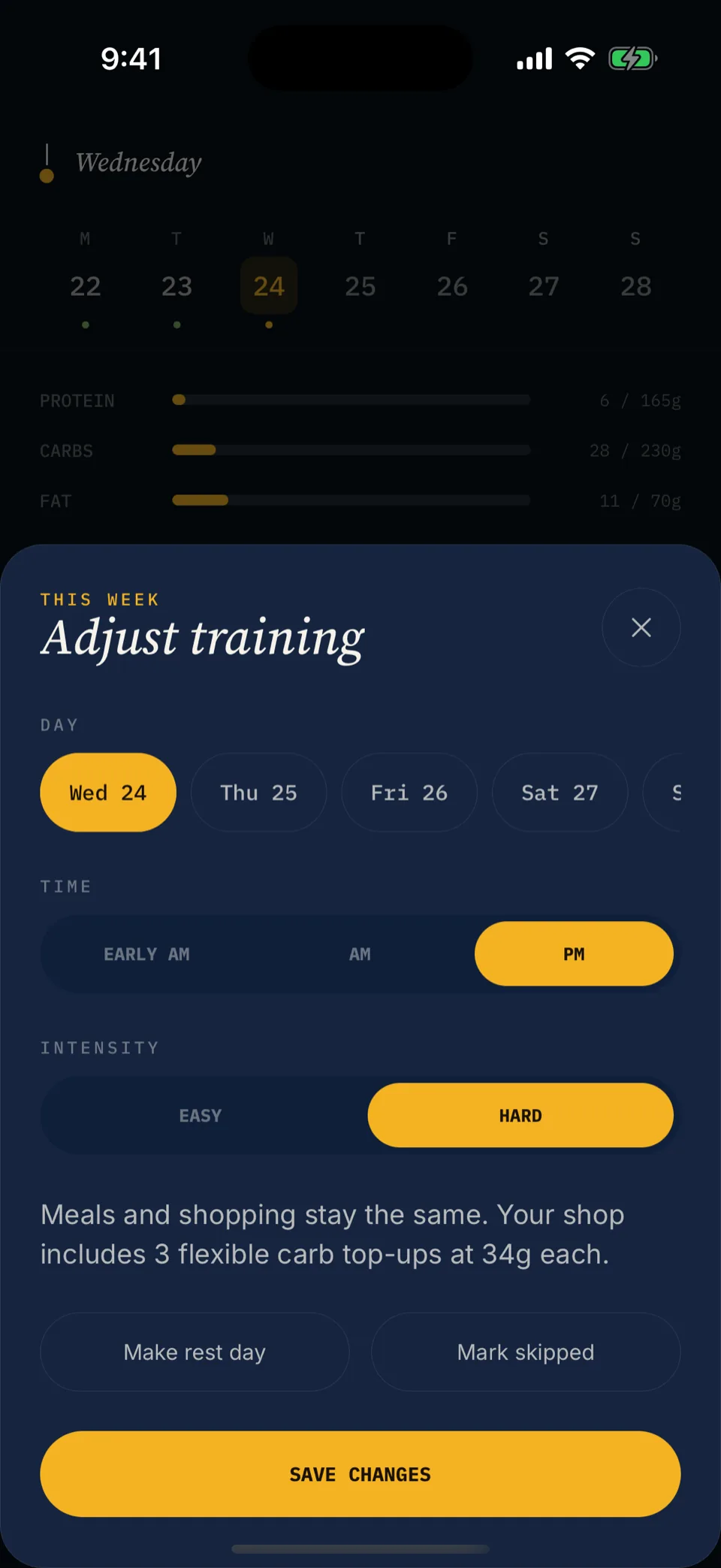
“Wednesday is a rest day. Why is my app still asking for the same 350g of carbs?”
A flat target treats every day the same. One total, every day. Fine if your training never changes. Yours does: a hard session Monday, an easy day Wednesday, an early AM session Thursday, a long session Saturday. Your food has to match.
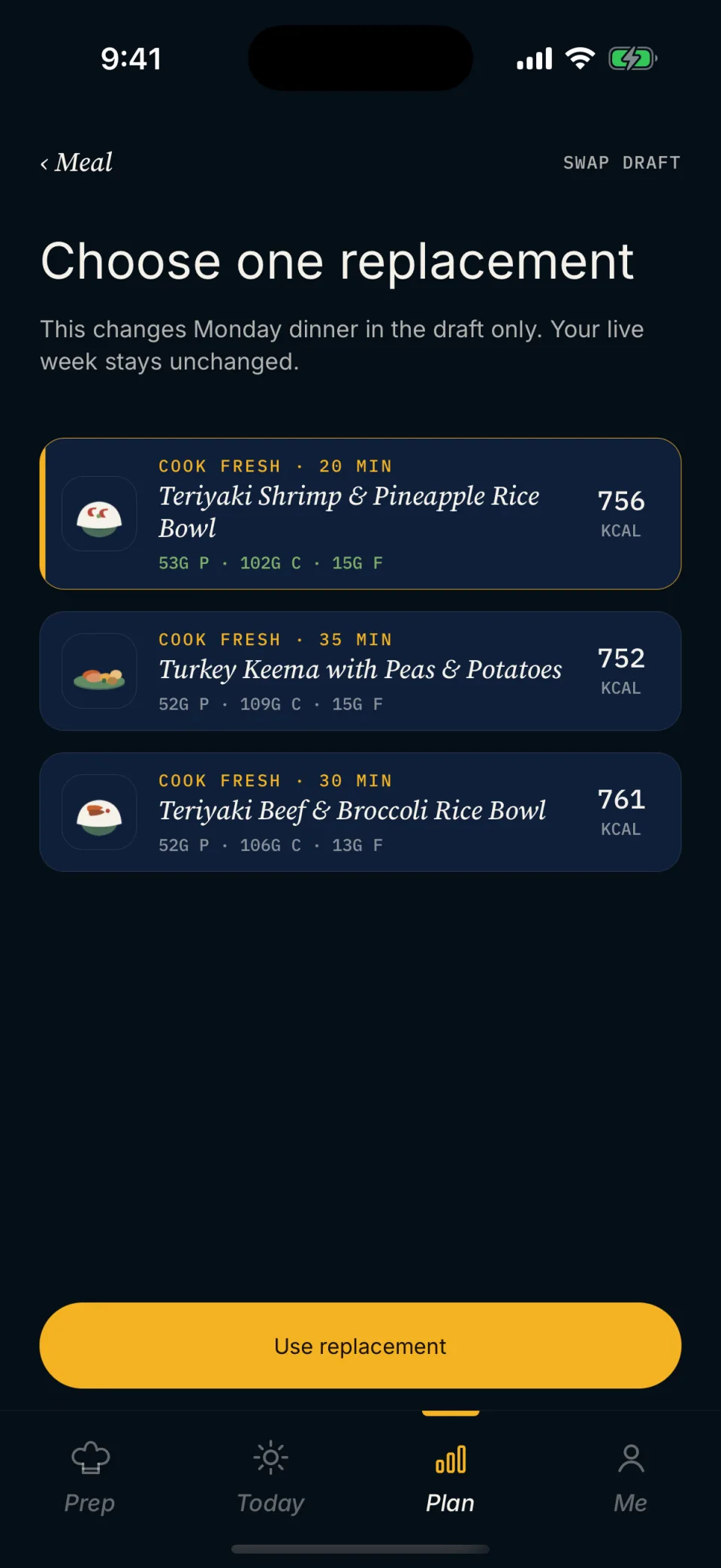
The plan responds to the week. It doesn’t paste the same one over it.
Tell Mero your training week at setup. Hard days get more carbs. Easy days hold protein and drop some carbs. Rest days drop more. AM sessions get a different pre/post structure than PM sessions. Once you accept a week, it stays put. Change your training and the next draft follows.
- Hard days. Higher-carb meals before and after the session.
- Easy and rest days. Protein steady. Carbs come down.
- AM vs PM training. A morning session gets a different pre/post structure than a 6 PM one. Same total, different timing.
- More than one session in a day. Put both on the same day. Mero plans the whole day, not a separate fuel block for each session.
- Lighter weeks. Mark the lighter days easy or rest. The next draft plans them that way. Protein holds steady.
Plan, grocery, prep, today, tied to your training week.
Plan.
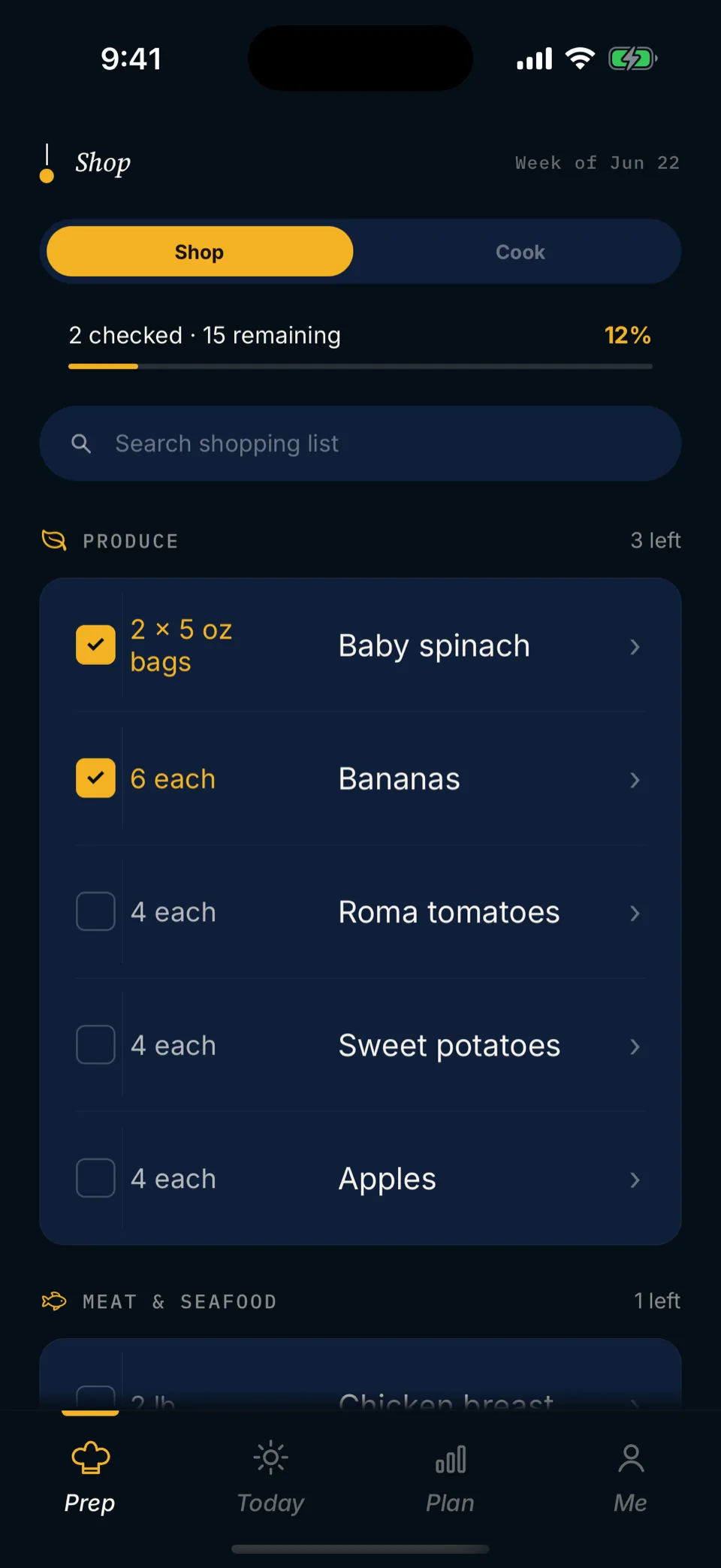
Meals shaped by your training week, not a flat daily total. More carbs on hard days. Pre- and post-training meals around the session.
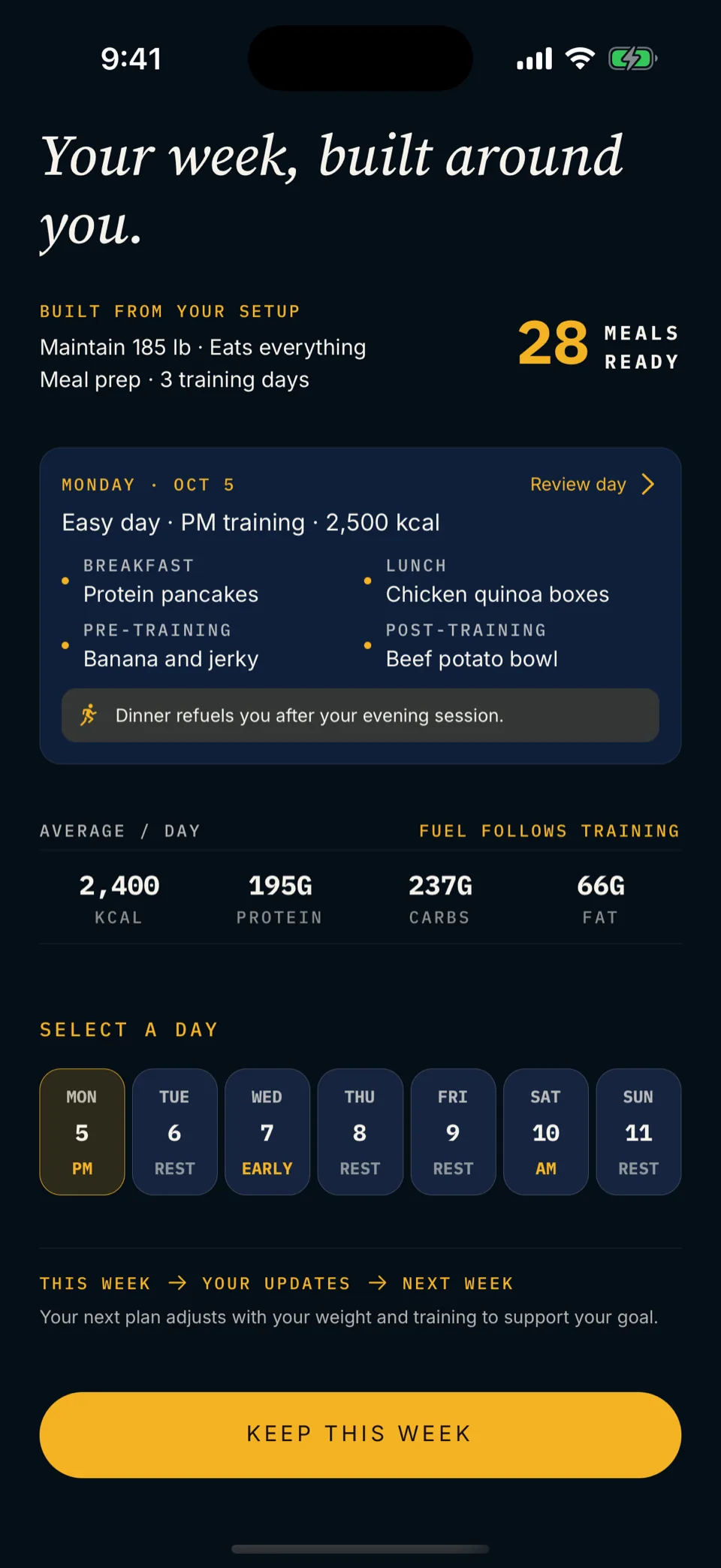
Grocery.
One list for the week. Grouped by aisle. Quantities combined across recipes. Hard-day carbs already on it.
Prep.
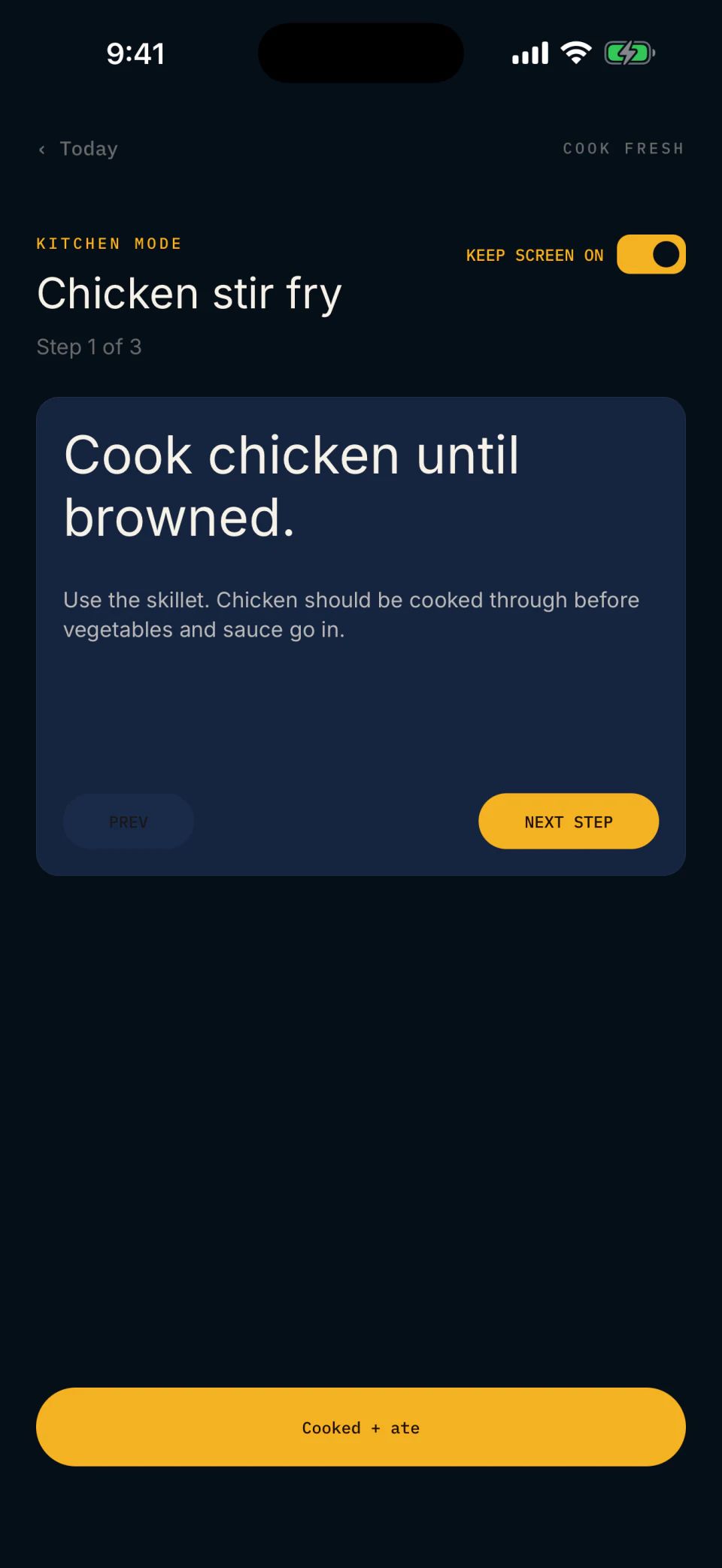
A batch-prep plan of reviewed recipes, with step-by-step Kitchen Mode. Prep any day you like.
Today.
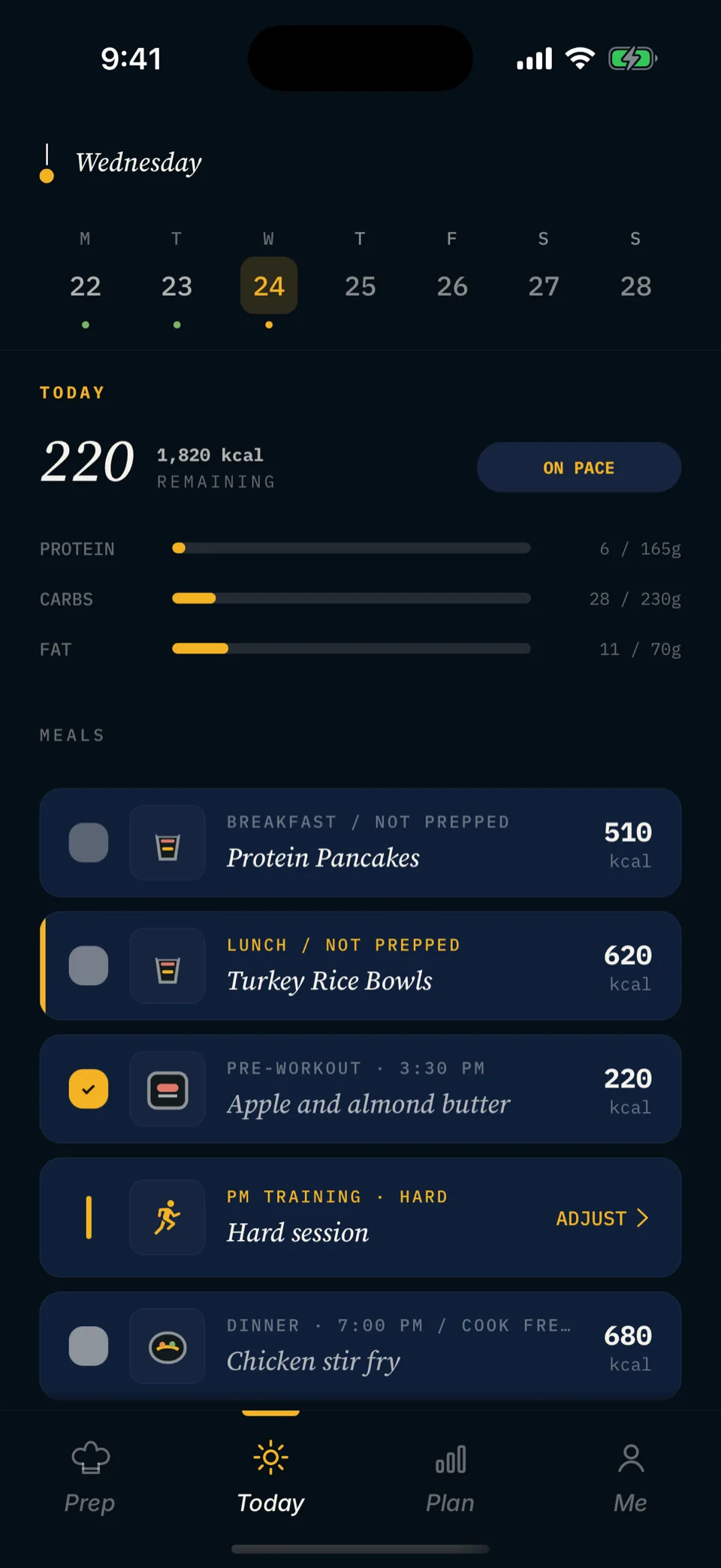
Your meals and your sessions in one timeline. Tap each meal as you eat it. See where you stand against the day’s targets. No barcode hunt.
A tracker tells you what happened. A planner tells you what to do.
A tracker is good at logging what happened. When your week has a shape, you want it decided up front.
A macro tracker
- Tells you what you ate, after the meal.
- Treats every day as the same daily total.
- Starts from zero every morning.
- Leaves planning and prep to you.
A training meal plan app (Mero)
- Tells you what to eat, before the week starts.
- Shapes carbs and calories around your training calendar.
- Builds next week’s draft from your current profile and training week.
- Generates one grocery list and a batch-prep plan.
People with a real training schedule and a week that isn’t flat.
- Endurance with structure.Hard, easy, rest. The food layer matches the training layer.
- Strength athletes.Mark heavy days hard and light days easy or rest. The plan follows.
- Hybrid athletes.An early AM session, a PM session, a longer weekend day. Put two sessions on one day. Mero plans the whole day, not a fuel block per session.
- People who don’t want to do macro math.Mero sets your targets from your profile and goal, then shapes them around your training.
Questions about planning around training.
How does carb placement work across a training day?
Around the session. A pre-training meal fuels the work. A post-training meal follows it. The rest of the day’s carbs spread across your other meals. AM and PM sessions get different shapes: same daily total, different timing.
What counts as a hard day versus an easy day?
You decide. Mark each day hard, easy or rest at setup, and pick Early AM, AM or PM for each session. Mero sets each day’s calories and macros from those choices.
What if I have two sessions in one day?
Put both on the same day. Mero plans the day as a whole, not a separate fuel block per session, and shows both sessions in order on Today.
Does the plan adjust if a session moves during the week?
Your meals don’t move. Move the session and Today puts it back in time order. Meals, targets, prep and grocery list stay put. If the session lands on a new day, Today shows a small carb top-up you already bought in the weekly shop. Up to 3 a week.
Can I sync from Strava, TrainingPeaks, or a coach’s calendar?
No. You set your training week in Mero and change it there. No calendar or app sync.
How do I plan a lighter training week?
Mark the lighter days easy or rest. The next draft plans them that way. A week you already accepted stays as it is.
Which platforms are supported?
iPhone, in the U.S. Android is in closed testing.
More general questions? See the main FAQ on the Mero homepage.
From people using it.
5.0 on the App StoreMero does all the hard work for me. It plans my meals and grocery list around a workout plan that’s specific to me and my fitness goals. … Now it’s time to shop, prep, and shred.

Knowing my targets was the easy step. The hard part was living them week to week. I built Mero to do that part.
Plan around the week you actually train.
14 days free for eligible new subscribers, then $9.99/month. iPhone in the U.S. For adults 18 and over.